
Lumberjack's Dynasty Controls
Mouse for the saw bar, Sight on the right mouse, pad fully supported, Steam Deck not supported.
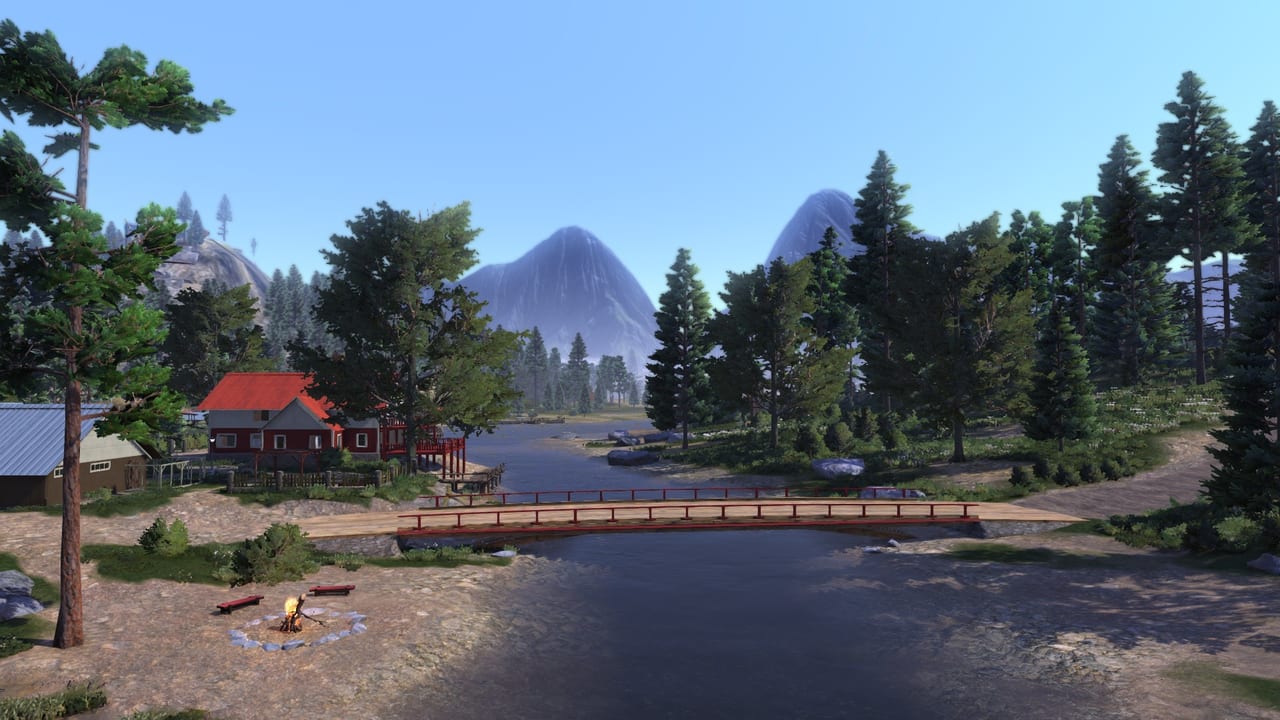
Lumberjack’s Dynasty is first-person with vehicles, a timing-based saw, and a context-sensitive crane. The in-game mapper exists; this page is the logic behind the defaults so you know what to rebind. Practise on a legal tree from logging, not in a parking lot full of NPCs.
On foot (keyboard and mouse defaults)
- WASD — walk. Sprint exists; stamina is not a Dark Souls bar, but running with a log is still miserable. Get a trailer.
- Left mouse — primary: start/hold a chainsaw cut, fire the nail gun, interact with held tools.
- Right mouse — Engineer’s Sight. Hold or toggle depending on your build and options. This is the most important bind in the game. It shows harvest borders, illegal trunks, repair nodes, dryness, affection, forage, and crane targets.
- Mouse move during a cut — steer the saw icon so it stays in the orange band. This is the minigame. Rebind nothing until you can finish a trunk without stalling.
- E / F style interact — doors, seats, mill switches, shop talk. If a prompt does not appear, look at the object, then Sight it. Many mill buttons are easy to miss in first person.
- Tab / map — map, vehicle icons, tow. If a truck is underground, the map icon is the recovery tool, not the eye-level model.
Repair jobs are nail-gun plus Sight. Circle the building. Nodes hide on roofs, under eaves, and inside after you repair the shell. The Q&A video on this page is the official “we know this is a lot of icons” companion, not a speedrun.
Vehicles and cranes
Enter a tractor or pickup with the interact key. Driving is arcade-sim: clutch management is light, collisions are not. Hitch a trailer from the marked coupling. Later patches removed trailer-on-trailer daisy chains; pull one trailer.
Cranes (Isaac’s loader, grapple trailer, Ponsse booms) use a second camera and a grab/release pair. If the stick or mouse feels inverted, open the controller/camera options before you blame the machine. Lower the log onto the bunk; do not drop from the sky and hope. Over-length logs from logging will not seat. Buck them.
Fuel: hold interact at a pump or farm tank. Bulk 1000 L deliveries to the farm are cheaper than living at the station. An empty Ponsse on a slope is a tow, not a walking trip with a jerry can fantasy.
Controller
Steam lists full controller support. The saw band that the mouse steers needs an analogue axis on pad — usually a stick or a pair of shoulders. If your first hour on a pad is misery, it is this bind. Spend five minutes in the mapper. Do not invert the saw axis “to match driving” unless you like failing cuts.
Xbox and PlayStation ports use the same logic with console UIs. Community reports say some map markers and mill prompts fail more often on console; that is a port issue, not your grip. See console release.
Camera, FOV, resolution
The Argon-engine build is happiest at 1920×1080. Community threads note 4K and even 1440p can hide from the list unless Windows DPI scaling is tamed. One player reported 5120×1440 working; many others never saw the mode. There is no beloved FOV slider in the way modern shooters have one. If you are motion-sick in a crane, lower look sensitivity instead of hunting a missing FOV.
Steam Deck: unsupported on Valve’s last published Deck report (small text, other input, not a verified playable). Do not buy this as a Deck game. Spec details sit on system requirements.
Quality-of-life binds to consider
- Put Sight on a mouse side button or a bumper you never miss.
- Put map/tow somewhere you can hit while a vehicle is inverted in a ditch.
- Do not bind crouch to the same key as dismount if you keep leaving tractors on hills.
- Keep a screenshot key. Sight screenshots of red vs green trunks teach faster than a paragraph.
Accessibility honesty
The saw minigame wants analogue precision. There is no “auto cut” toggle. Colour-coded red/green trunks are the legal system; if you cannot read those cues, rely on the yellow ground border and the icon shapes, not only hue. Full controller support helps, but the UI was not designed as a high-contrast mode.
When the binds feel right, return to Getting Started or jump to vehicles for crane roles. Controls do not make oak dry faster. They only stop the orange bar from stealing an afternoon.
Frequently Asked Questions
Quick answers to the most common questions.
What is Engineer's Sight bound to?
Right mouse on the default keyboard map. Use it before every cut and every repair. It is the real HUD.
How do I steer the chainsaw on a controller?
An analogue axis moves the saw icon in the orange band. Rebind it if the default stick fights you. Keyboard users steer with the mouse.
How do I tow a lost vehicle?
Open the map, select the vehicle icon, and choose tow. Staring at the last known GPS pin is not enough.
Does it work on Steam Deck?
Valve lists Lumberjack's Dynasty as unsupported. Use a PC or the 2022 console ports instead.