
Lumberjack's Dynasty Tools
Controls, mill numbers, and spec sheets so the saw bar and the dryer stop being mysteries.
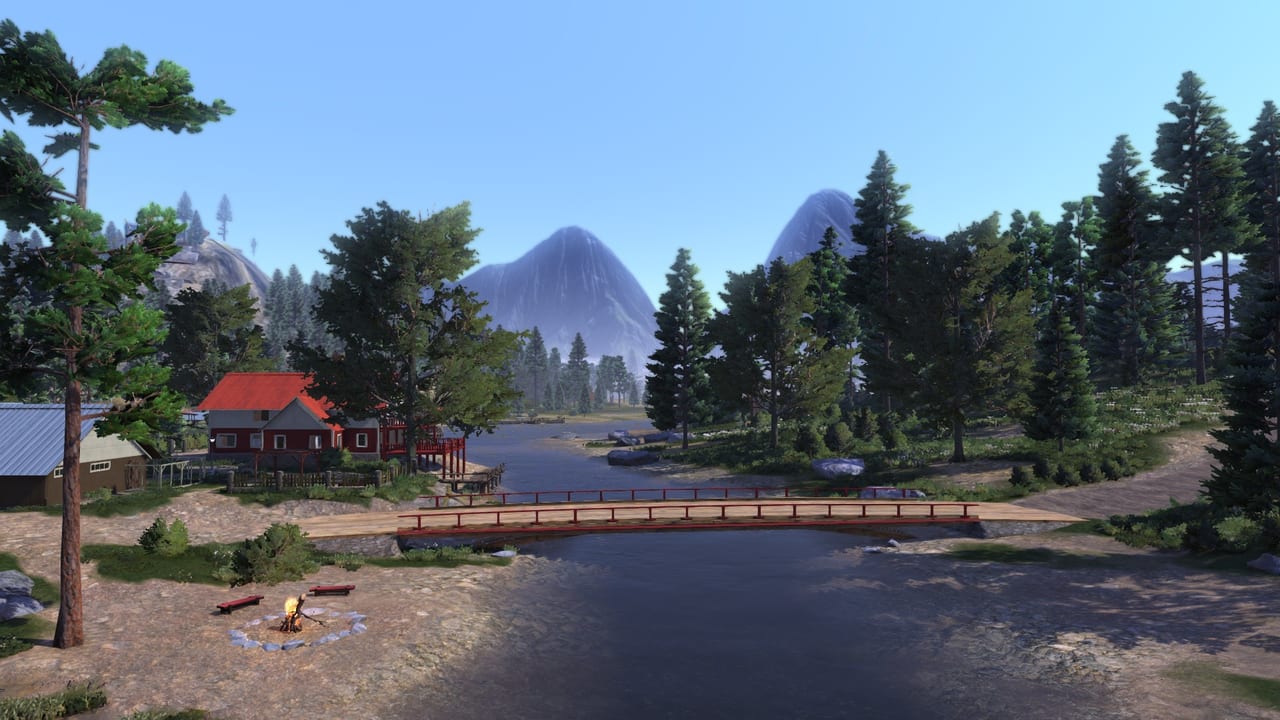
Guides tell you what to do in Pinewood Valley. This hub is the reference strip: inputs, mill maths, and whether your PC or console can run the 1.0 build. Nothing here is a cheat engine. Lumberjack’s Dynasty is a single-player sim without redeemable codes.
Controls
Controls covers keyboard, mouse, and the full controller map: saw band, Engineer’s Sight, cranes, hitching, tow from the map, and why Steam Deck is unsupported. Read it if the orange cut bar feels random or if a pad cannot strafe the saw icon. Then go back to logging and practise on a legal trunk, not on the mayor’s garden.
Mill profits
Mill profits is the number page: dry times, oak vs birch vs pine pallet examples, bark as a side SKU, and why sleeping ten days erases cooking income. It exists so make money can stay a strategy article. Use both. The mill board in your save always wins an argument with a wiki table.
Achievements
Achievements is the real 33-trophy list: Driver through Master of skills. It exists so you do not follow a 2026 guide written for a different game. Plant, fish, marry, and mill counts all live there.
System requirements
System requirements lists the Steam minimum and recommended spec, the 12 GB install, 64-bit Windows, and the 2022 PlayStation / Xbox ports. Steam Deck is unsupported as of Valve’s last published test. If you are buying on sale, read that page before you assume a laptop GPU from 2013 is a GTX 900.
How these tools connect to the rest of the wiki
- Saw problems → controls then logging.
- “Logging is poor” → mill profits then product tier list.
- Machine shopping → vehicle tier list and vehicles.
- Will it run? → system requirements and console release if you are not on PC.
- Trophy hunting → achievements then skills.
What we will not put here
No trainer downloads, no save editors, no “instant million” commands. Save files live under %APPDATA%\LumberjacksDynasty\Save on Windows if you need a backup, not a hack. Official support is Toplitz: support@toplitz-productions.com, linked from official links.
If a tool page looks short compared with a guide, that is the point. Reference should be scannable. The 600-word depth sits in the child pages as tables, bindings, and caveats, not as a second getting-started story.
When you finish here, the useful next click is almost always Getting Started for new saves or updates if you just installed a build you do not recognise.
Keep a paper or a note file if you like numbers: mill board on Monday, mill board on Friday, species on the last land you bought. The tools pages will not auto-fill a spreadsheet. They will tell you which number matters. If a crane camera still feels drunk after a rebind, the problem is probably an over-length log from a sloppy buck, not a missing graphics slider. Sight the log, recut, then return to the vehicle tier list only if the machine itself is the bottleneck.
Frequently Asked Questions
Quick answers to the most common questions.
Is there a money calculator spreadsheet on this wiki?
No live spreadsheet. Mill profits records typical pallet prices and dry times. Check your mill board for live numbers.
Does the game support a controller?
Yes. Full controller support on Steam. Bindings and saw-bar notes are on controls.
Where do I copy my saves?
Windows: %APPDATA%\LumberjacksDynasty\Save. Each slot uses several files (sav, lgs, and others). Copy the whole slot.
Can I run this on Steam Deck?
Valve lists the game as unsupported. Details and PC specs are on system requirements.